Document Content
The Invoices add-on for Bookissa allows you to automatically generate professional invoices for your appointments. With customizable templates and seamless integration into your notification workflows, invoices can be automatically sent to customers, saving time and ensuring smooth financial processes.
Accessing the Invoices Feature #
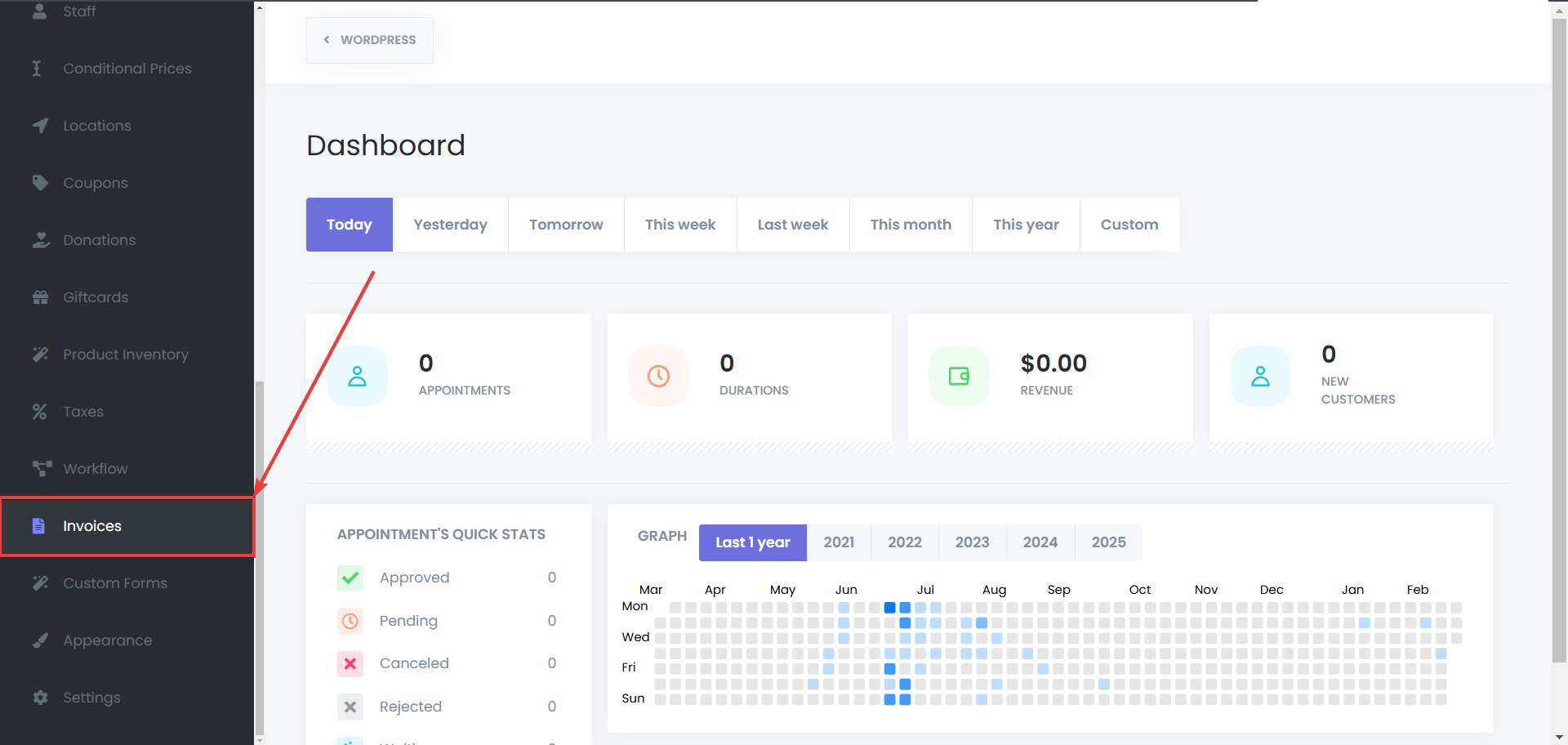
Navigate to the Invoices Module
- Go to Bookissa > Invoices.
Creating an Invoice #
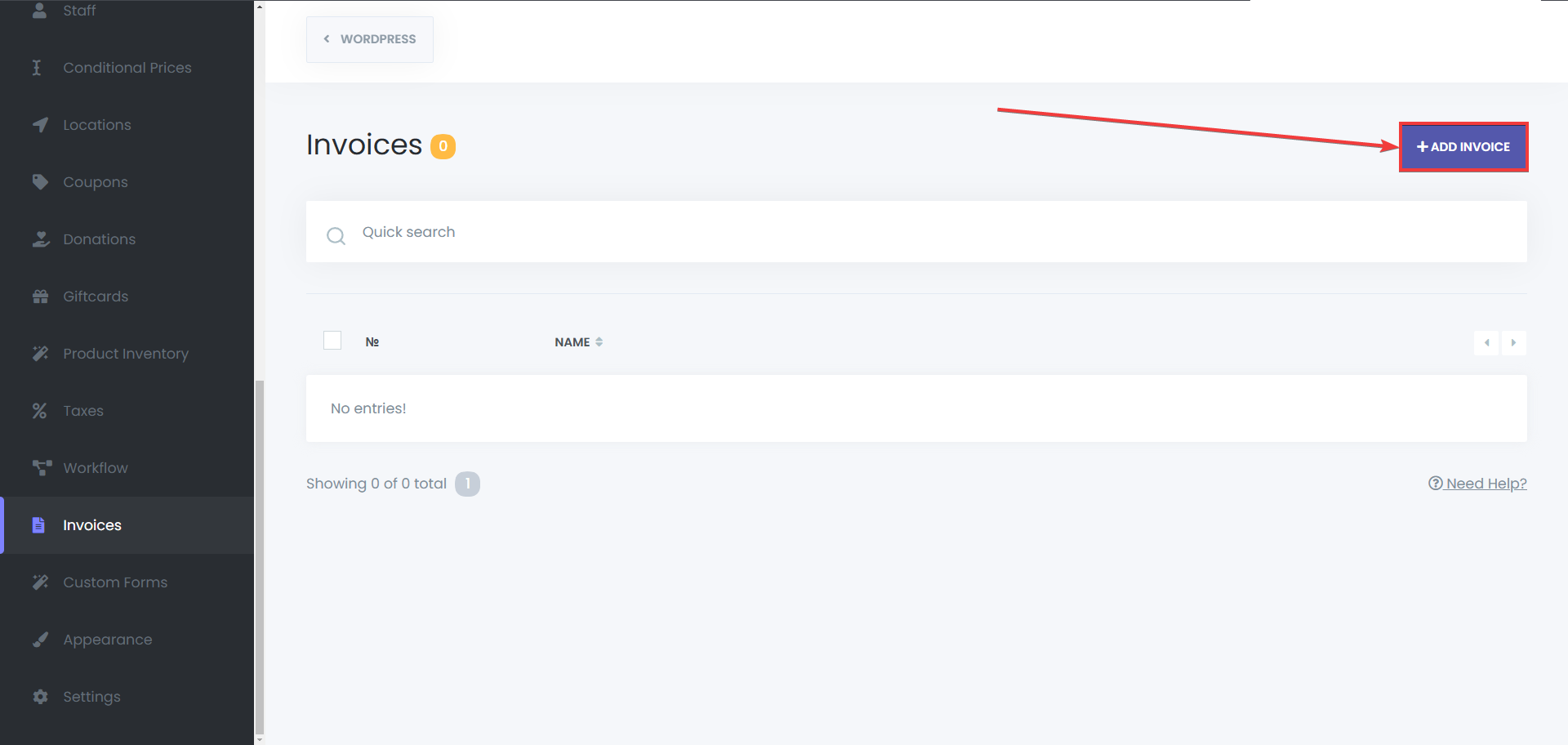
- Create a New Invoice
- Click the Add Invoice button to create a new invoice.
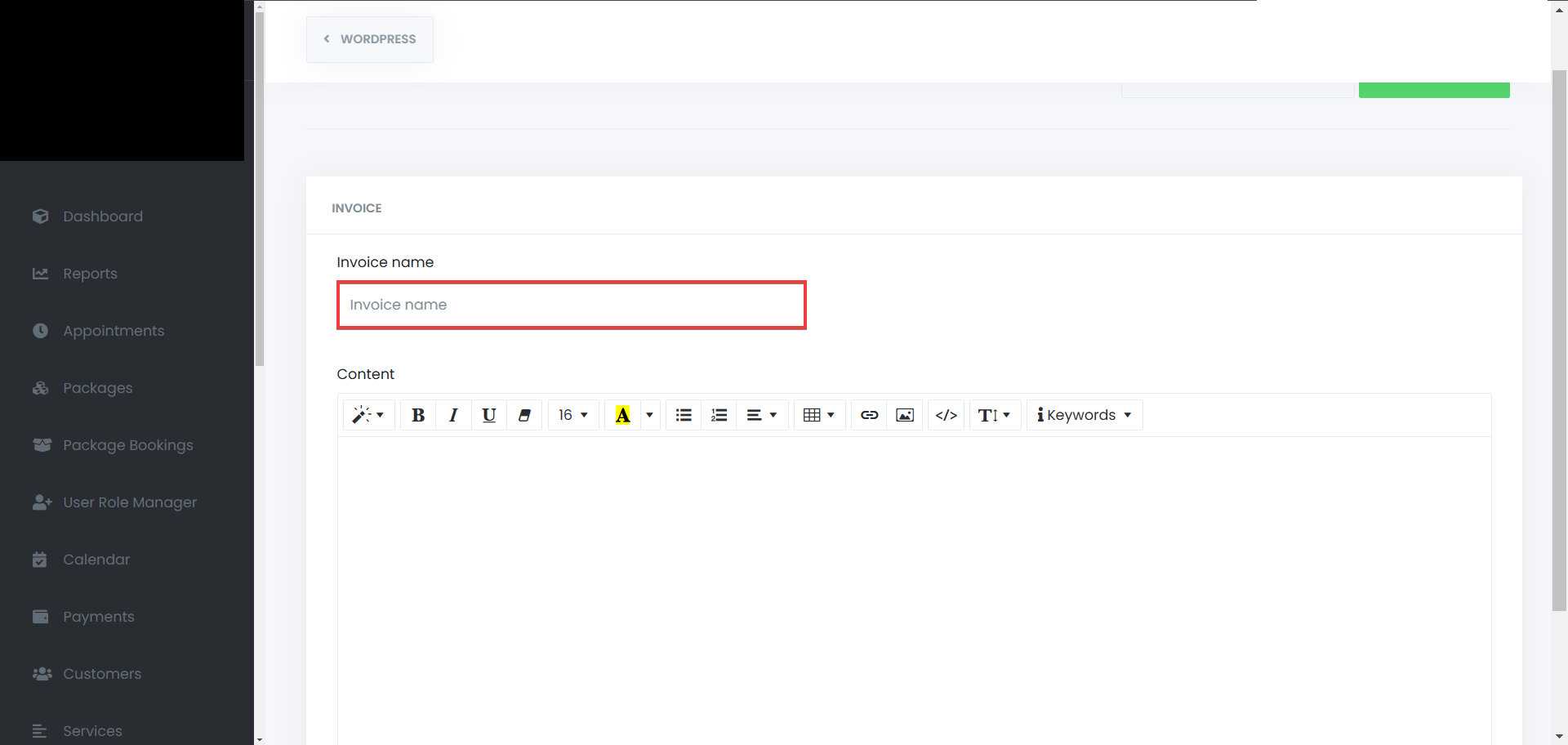
Set a name for your invoice
- Enter a unique name to identify the invoice internally
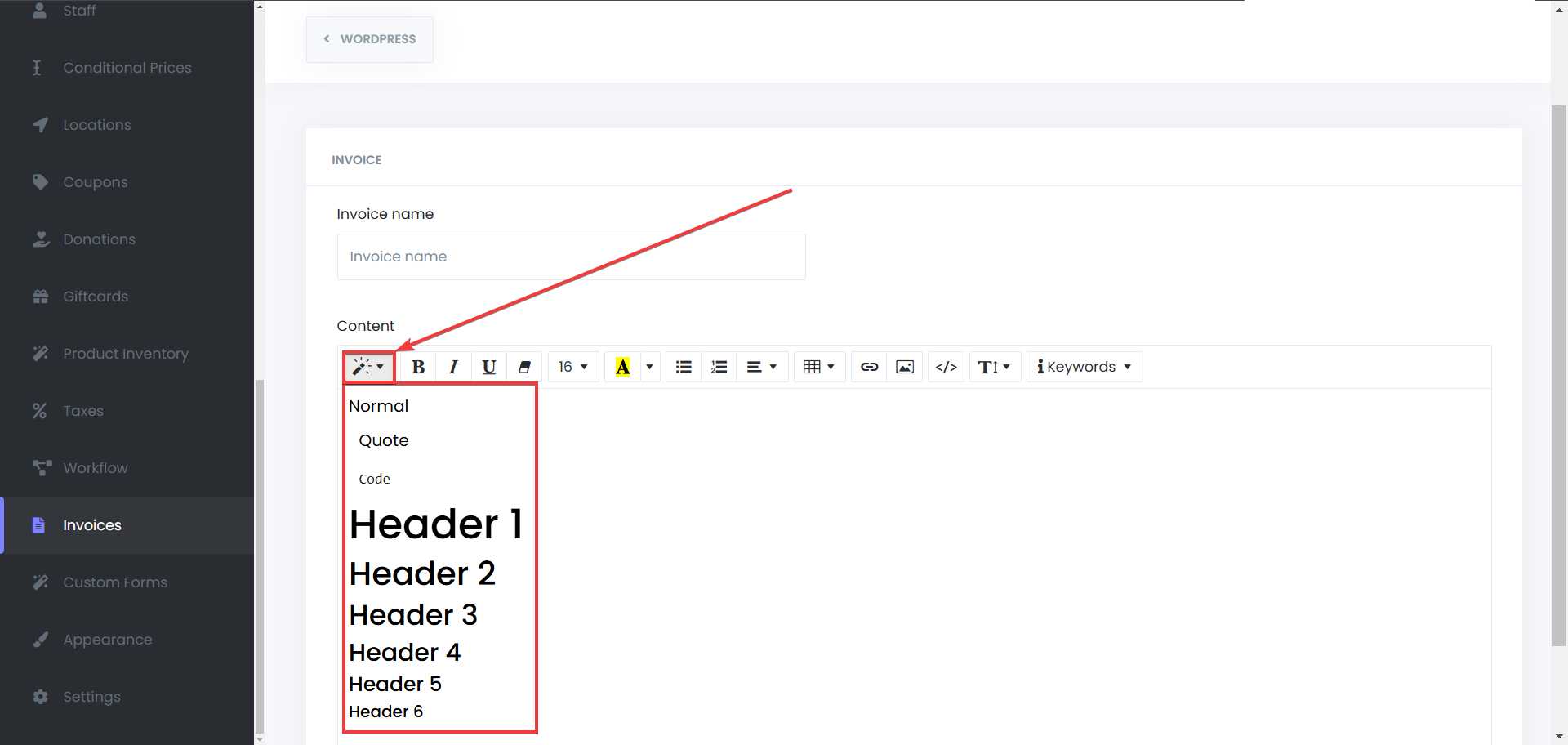
Choose a style for the text
- Use formatting options to customize your text, to make sure that the important lines stand out.
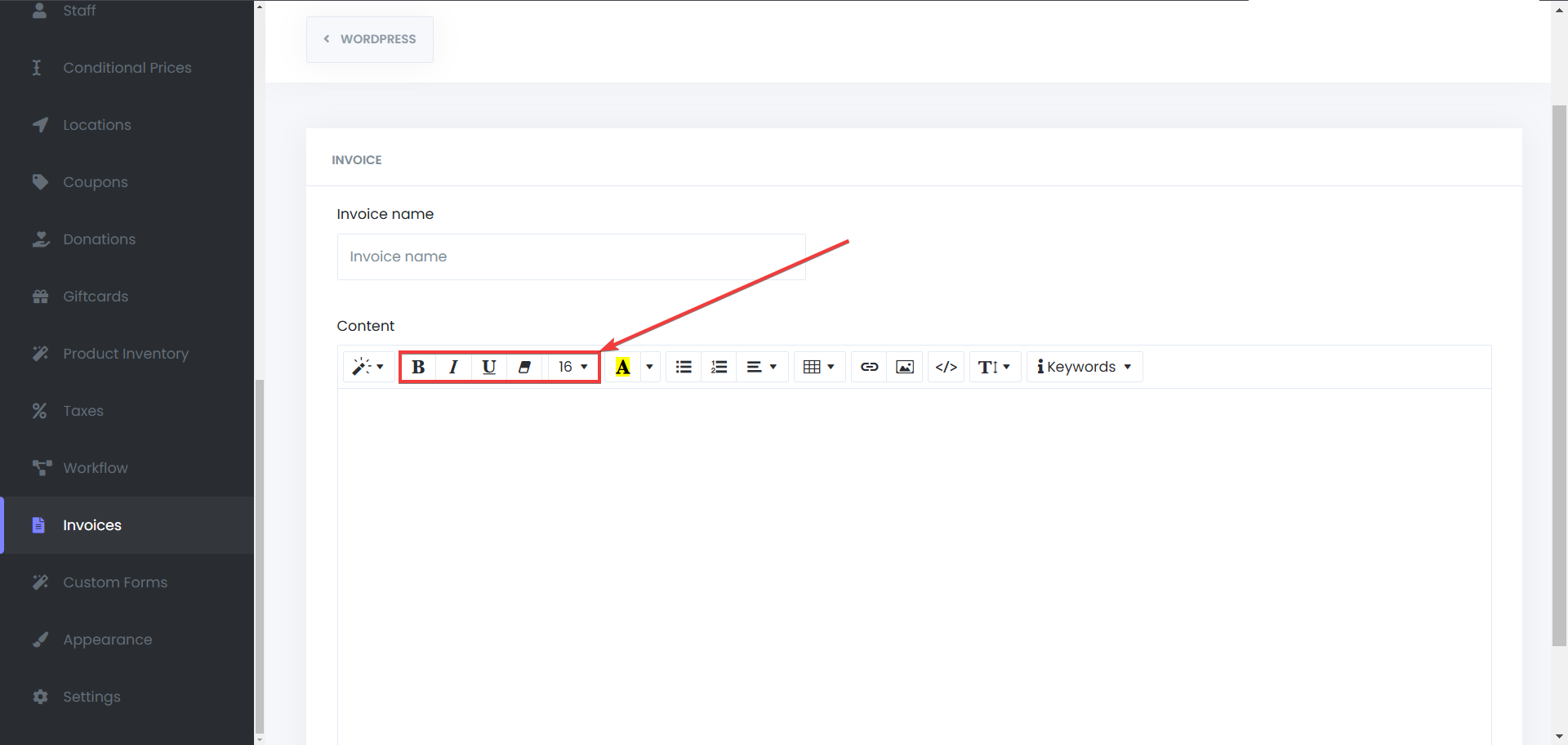
Choose the font style and size
- Set the font type and adjust the size to match your invoice design preferences
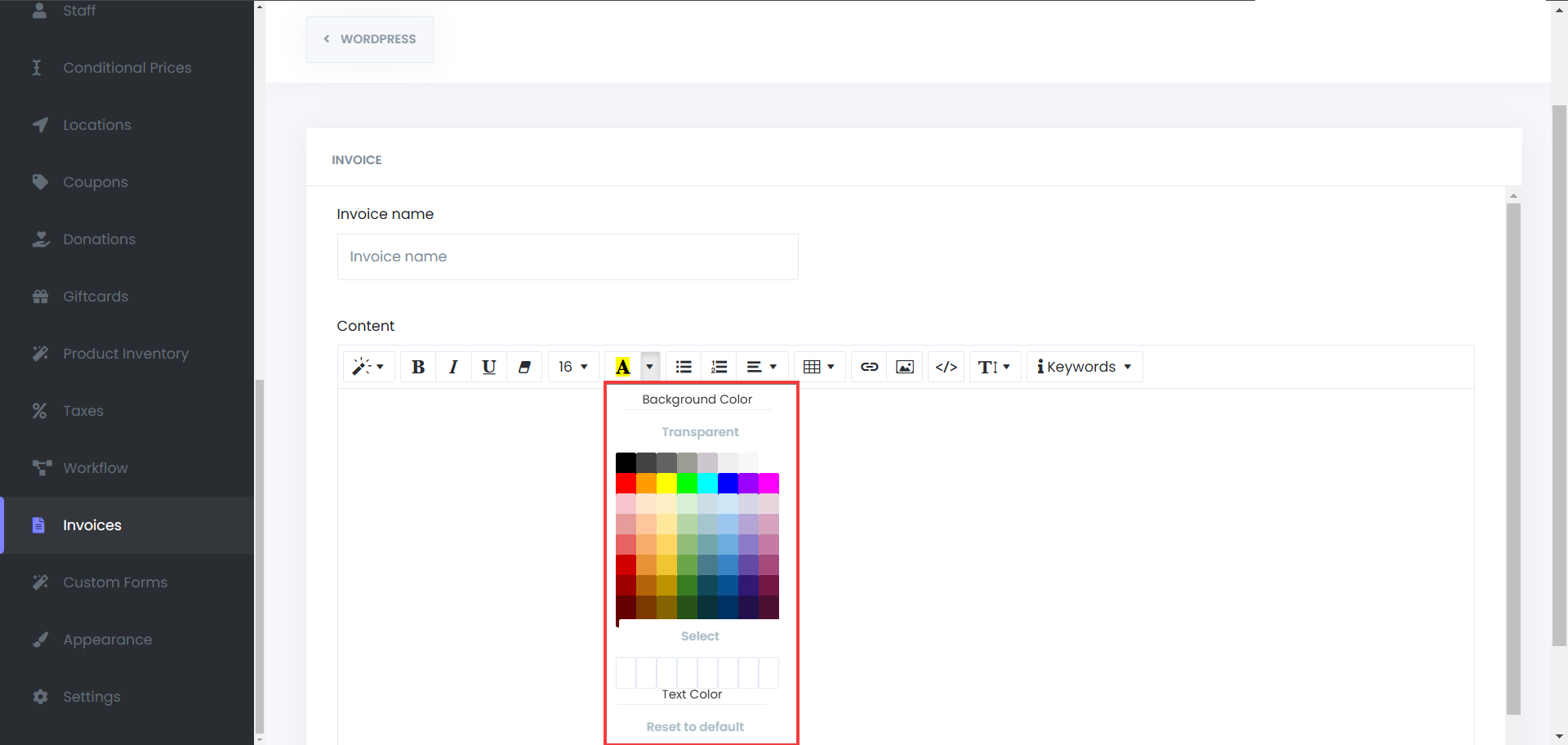
Set the background and text color
- Customize the background and text colors to match your brand identity.
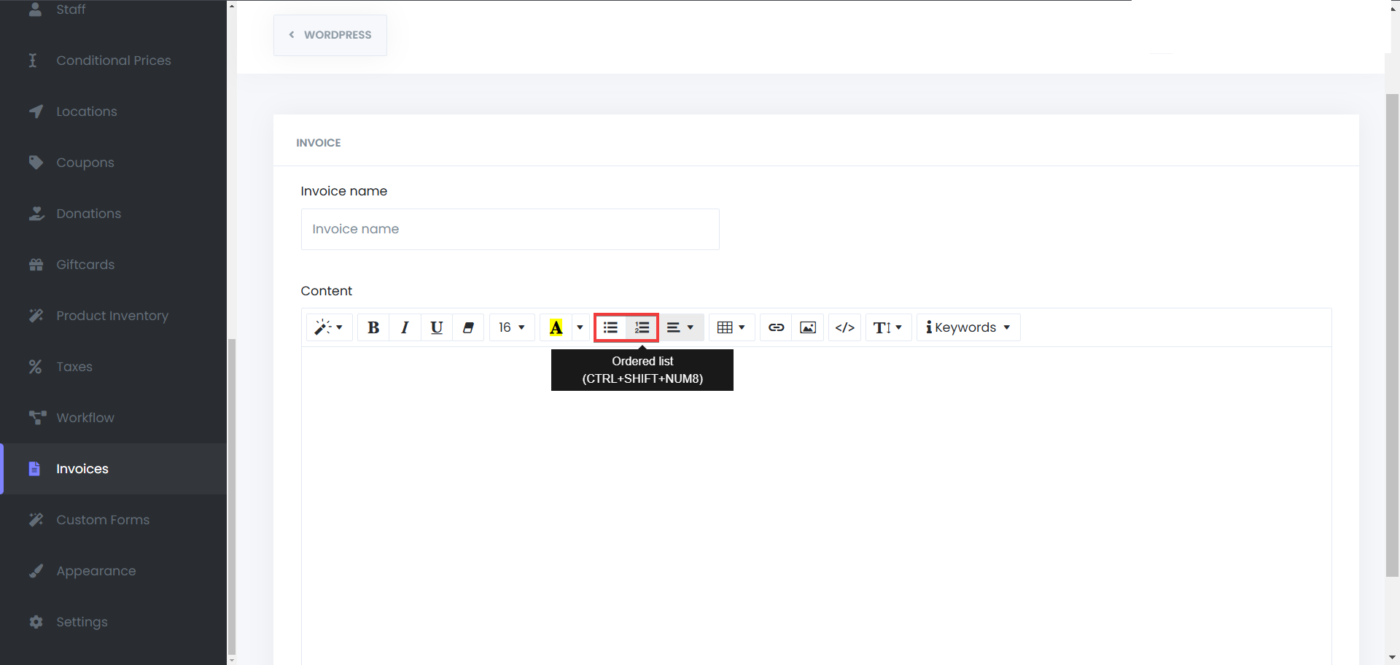
Add unordered or ordered list to your Invoice
- Add bullet points or numbered lists to organize invoice details clearly.
Add Table to your Invoice
- Insert a table to neatly display item details, pricing, or other information.
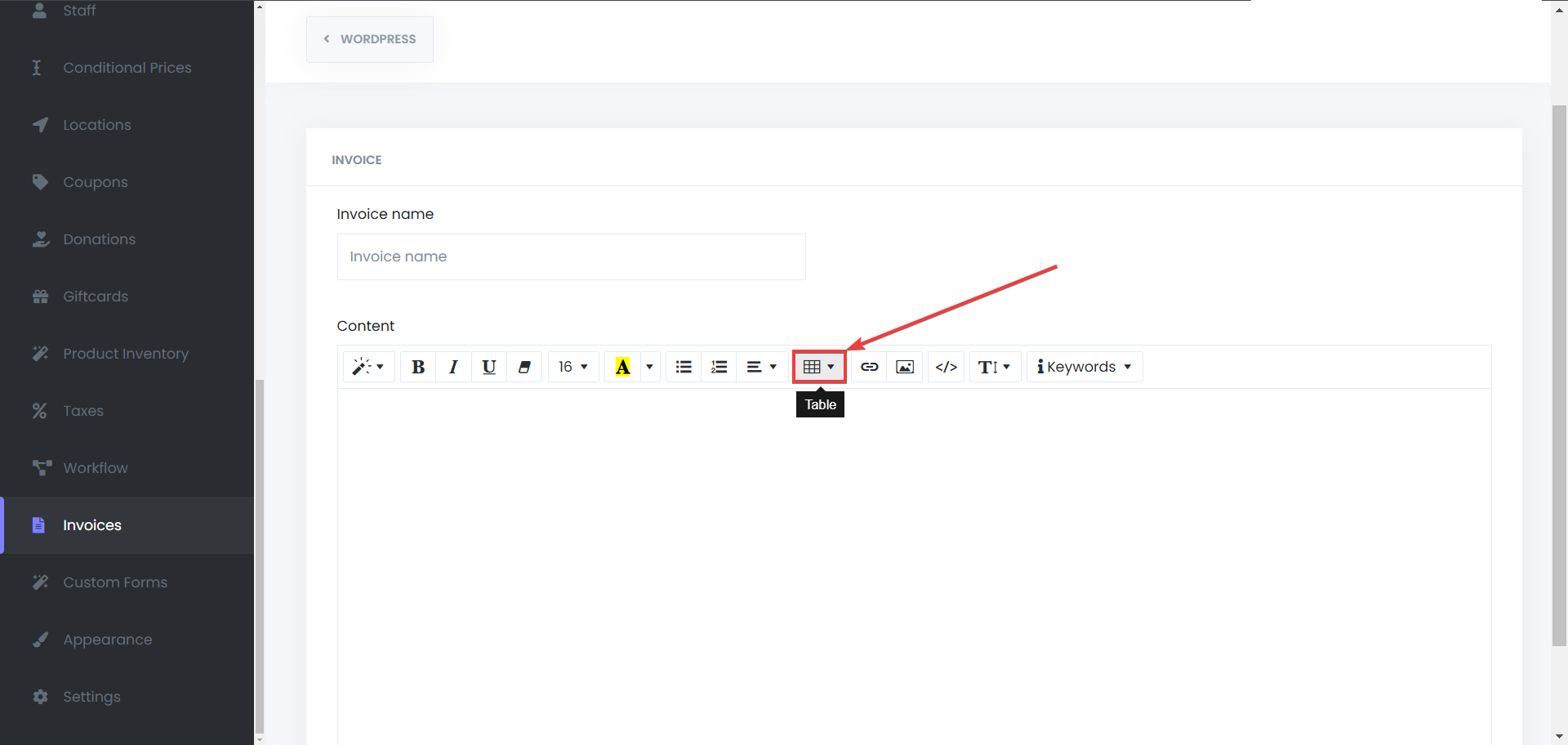
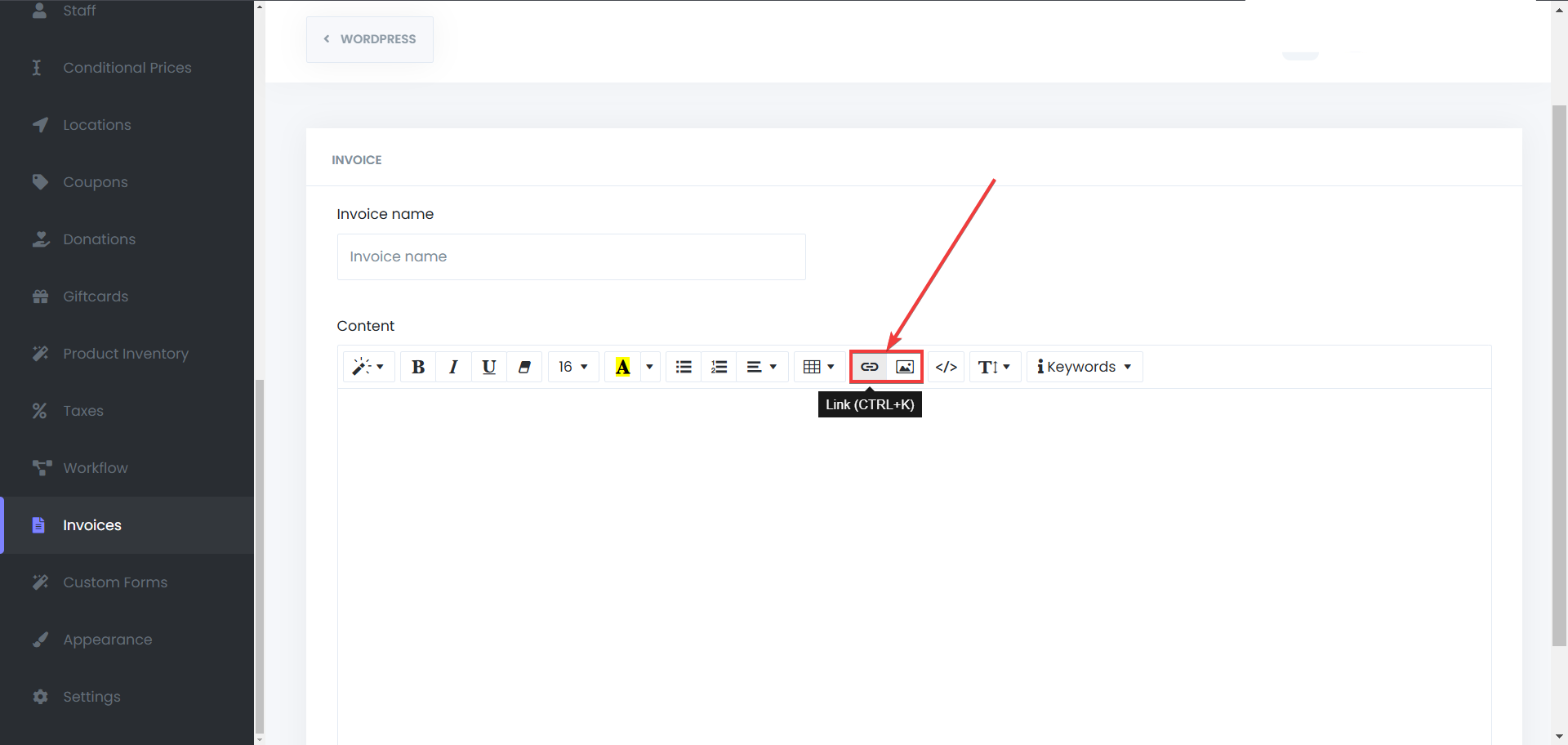
Add Links or Images to your Invoice
- Enhance your invoice by adding clickable links or images for extra clarity and branding.